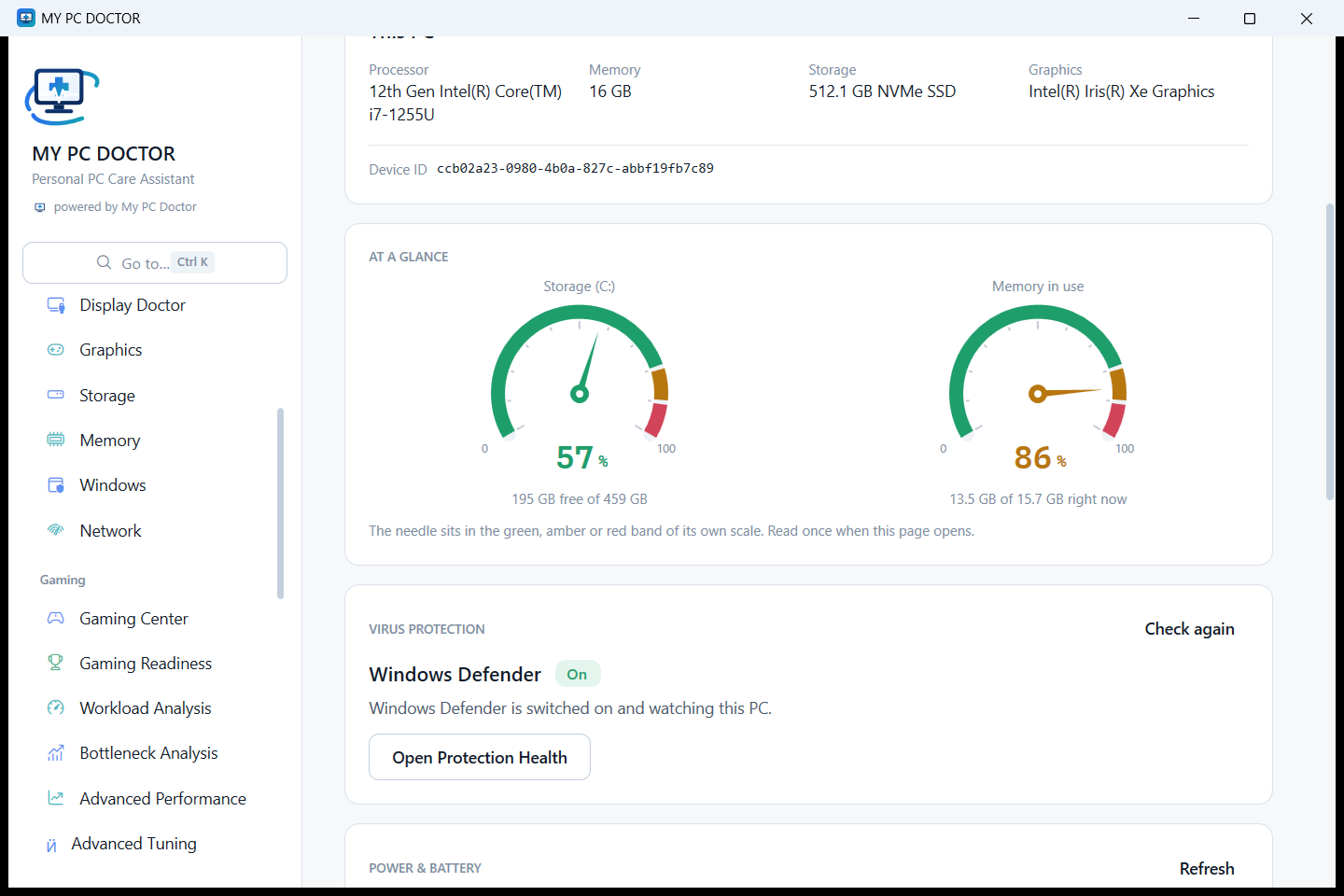
Storage (C:)
Good- Finding
- 195 GB free of 459 GB.
- Evidence
- Read from the drive itself, with the health indicators Windows exposes for it.
- What to do
- Nothing to do. The figure is kept so a change is visible next time.
My PC Doctor checks your Windows PC part by part, explains what needs attention, helps you understand your security and performance, and connects you with your trusted engineer.
Version 1.22.0 · Windows 10 and Windows 11 · 64-bit and 32-bit · 55 MB · checksum and release notes
Every part of a Windows PC already reports on itself. The problem has never been the data — it is that the data is unreadable. Pick a part to see what is actually read, and what it means.
Good to know:
Press it once. It reads the configuration, the processor and memory, every drive, the graphics and display, Windows itself, the network, the drivers and the firmware — and then explains all of it in one report.
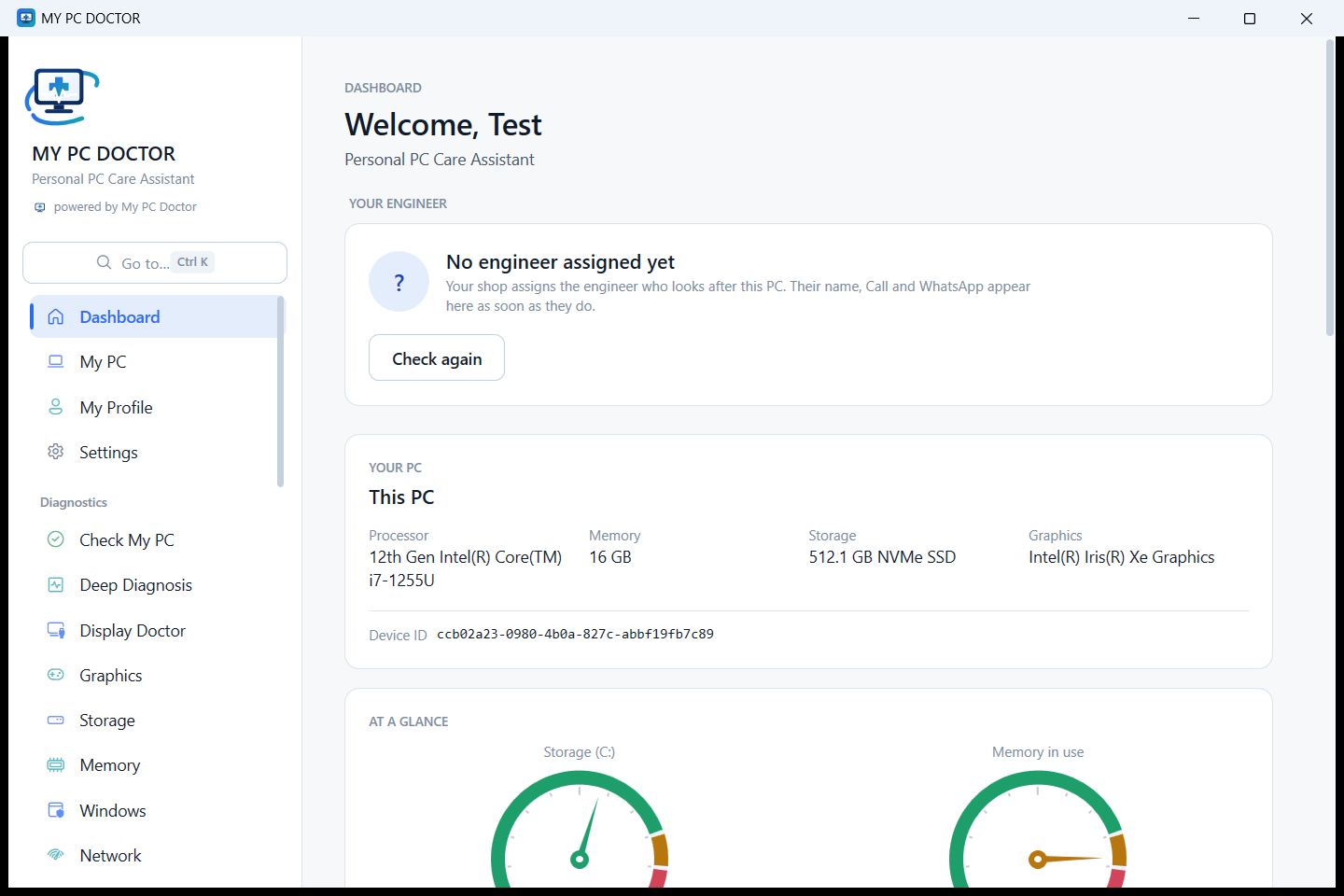
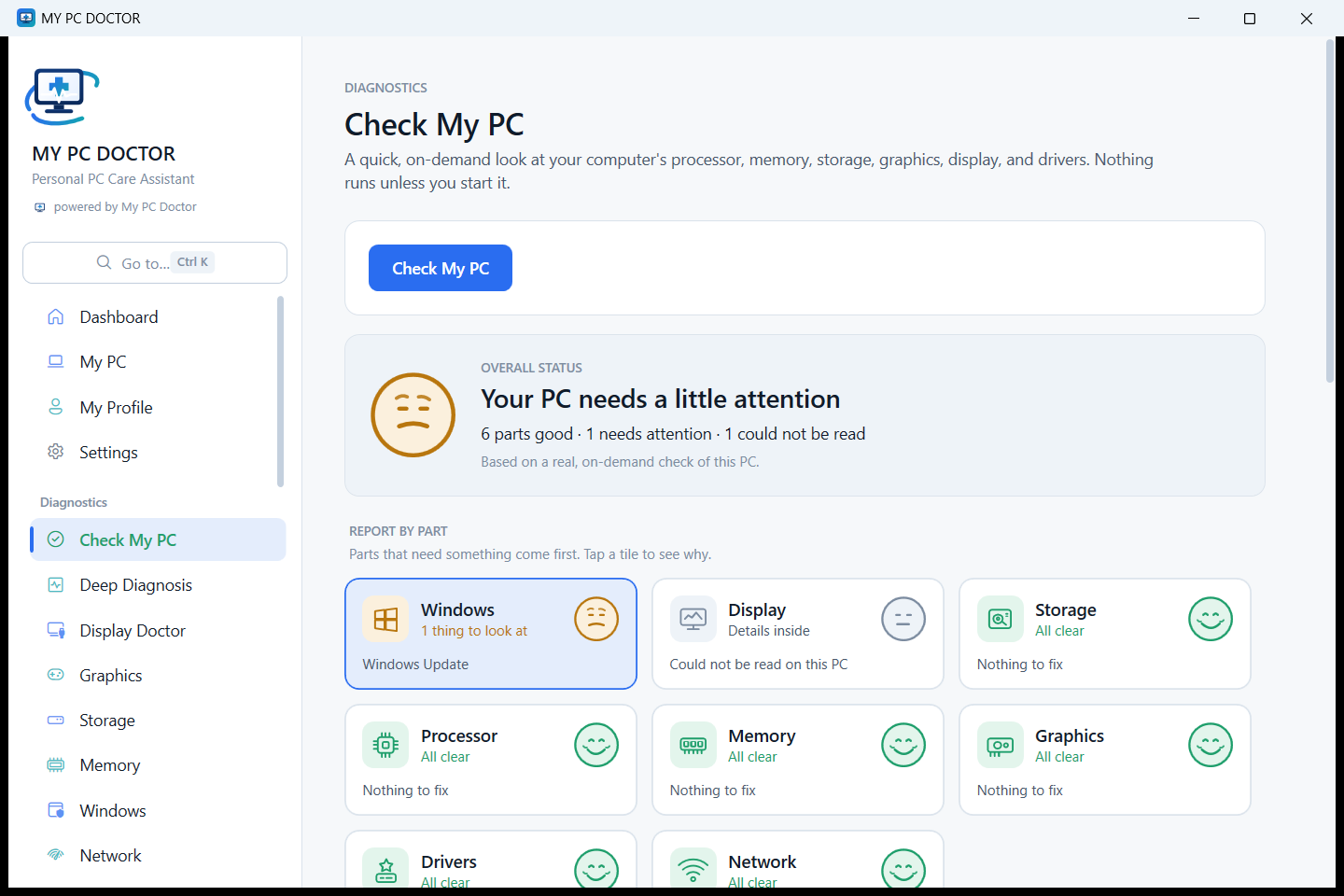
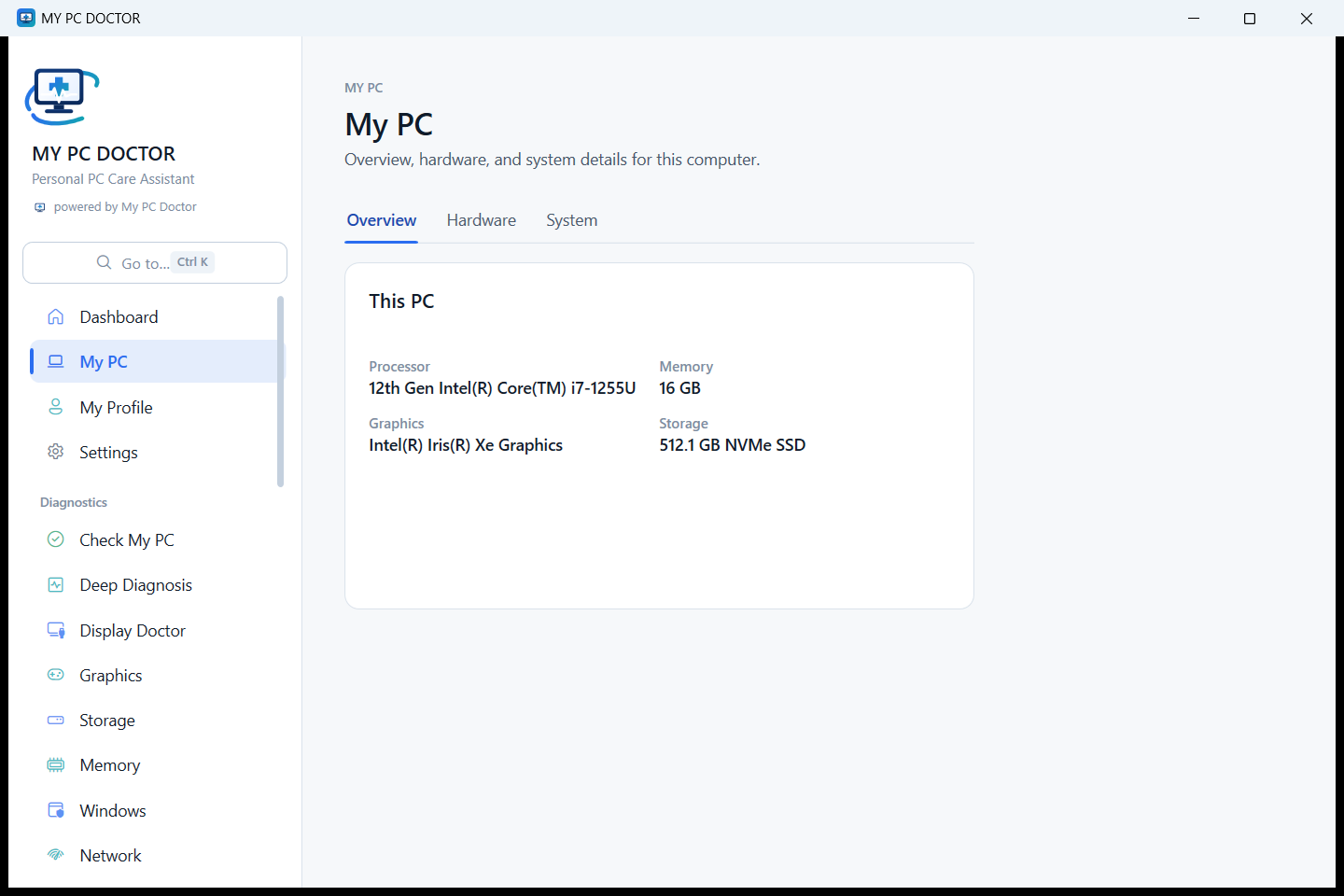
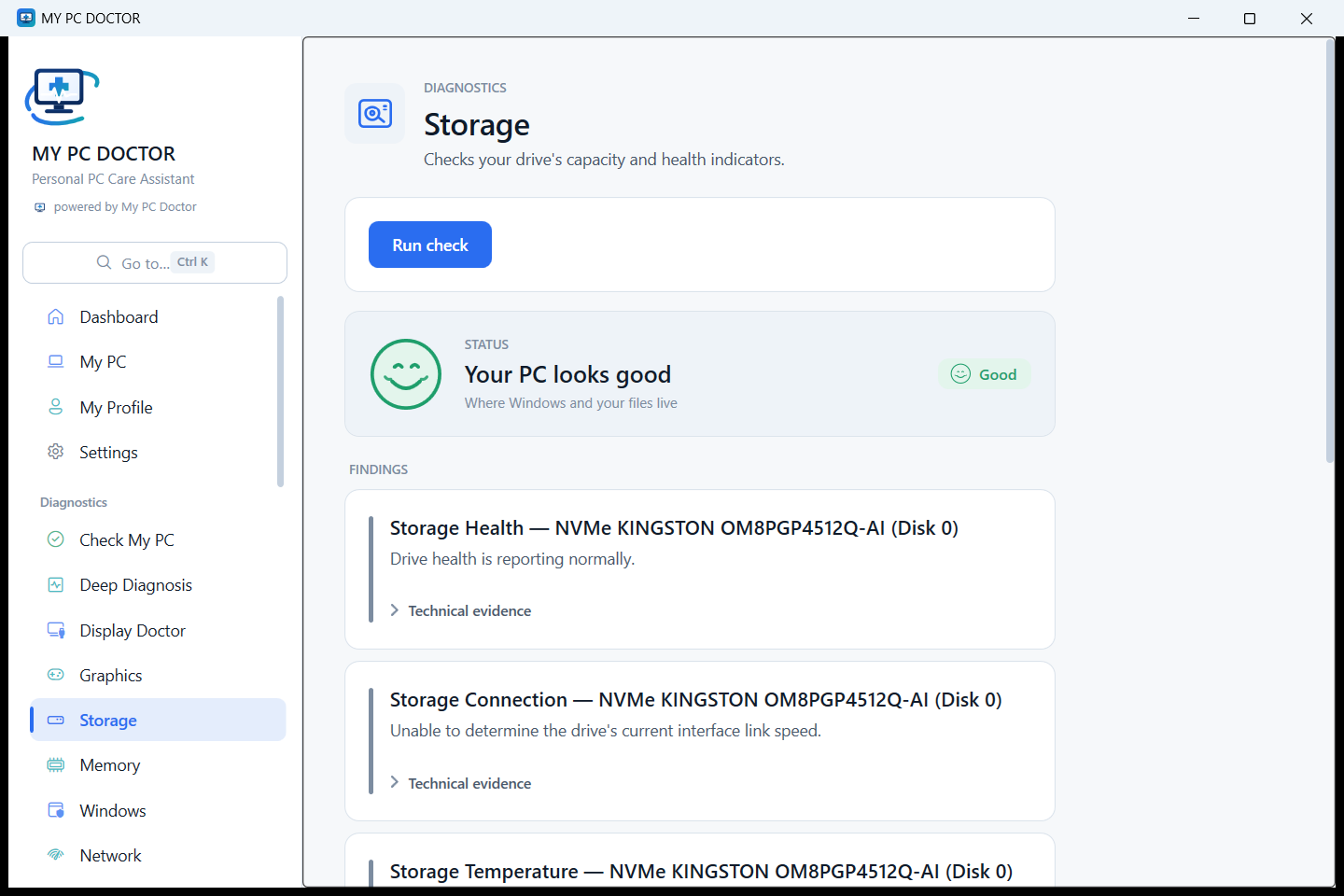
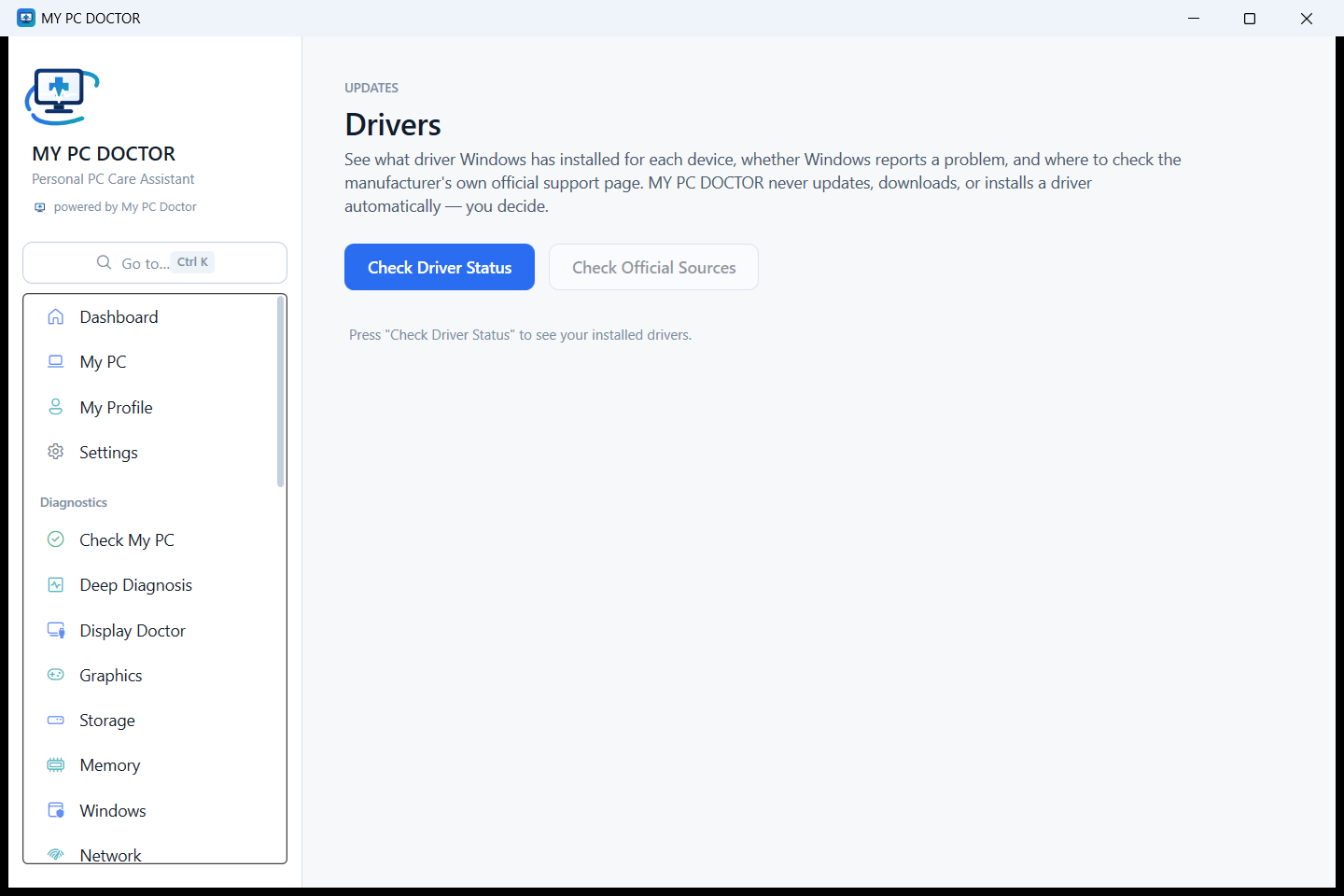
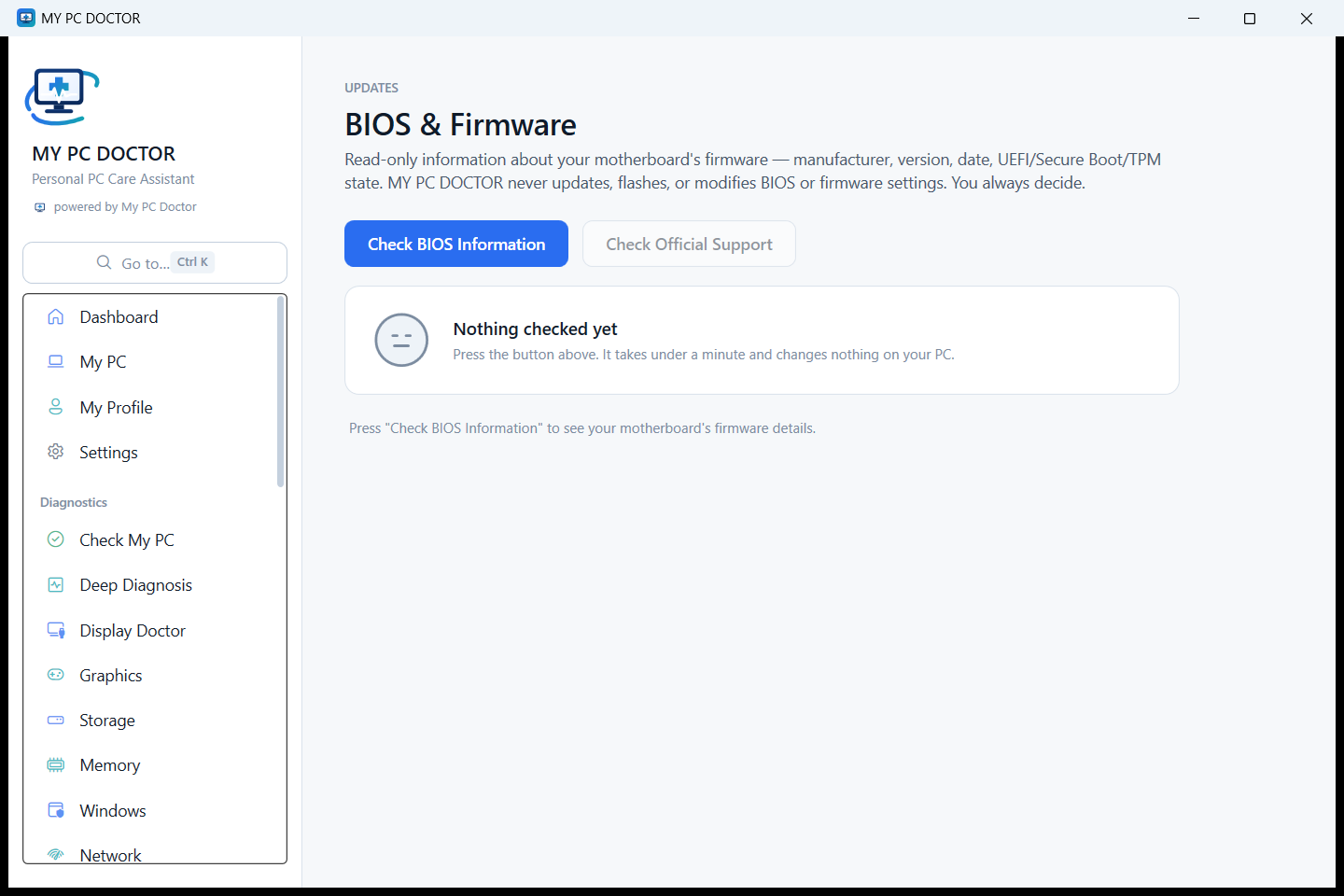
Real screens from the shipped application, captured on a Windows 11 PC.
Every finding carries four things: what it is, what was actually measured, how certain that makes it, and what you can do about it. Where Windows cannot answer, the report says so instead of guessing.
Examples of the report’s shape, shown to explain the format. This page does not check your PC — the application does, on the PC itself.
Windows already has a great deal of security in it. Most of the time the real problem is that nobody can see which parts are switched on, which are being held off by something else, and what to do about it.
Which antivirus Windows is actually relying on, how Defender is running, its engine and intelligence versions, and thirteen Windows protections listed as on, off, or held off by another product.
Anything that is off can be switched on from the page — through Windows’ own permission prompt, and the state is read back from Windows afterwards rather than assumed.
Windows Firewall in plain words: which network class this PC is on, which programs are already allowed, and what to do when a billing or accounting program cannot connect.
A decision you make is remembered against the program’s publisher, certificate and checksum, so you are not asked twice — and so trust cannot slide onto a different file with the same name.
Check a web address before you open it, and a downloaded file before you run it: HTTPS, the certificate, the shape of the address, the publisher, the signature, the checksum and where Windows recorded the file coming from.
Both are started by you. There is no browser extension, nothing watches your browsing and no file ever leaves the PC.
Good to know: When nothing is known about an address or a file, the app says so plainly rather than showing a green tick that would mean nothing.
Know what’s connecting to your PC.
What is plugged in, whether this PC has seen it before, and what shape a pen drive’s contents are — then Microsoft Defender’s own scan of it, when you press the button.
A drive that has not been used here before is reported as unfamiliar, never as dangerous. Nothing on a drive is deleted, moved or formatted.
Know which applications are trusted on your PC.
Every installed application with who signed it — Verified, Known, or Needs Review — identified by publisher, digital signature, certificate and SHA-256 rather than by file name.
A program that simply cannot be checked is said to be so, never treated as bad. Nothing is uninstalled or removed.
Help protect important files with Windows security.
Whether Windows is guarding your Documents, Pictures and Desktop folders, what it has stopped, and how to let a billing or accounting program you use through.
Good to know: The protection itself is Microsoft’s Controlled Folder Access. My PC Doctor explains it, switches it on through Windows’ permission prompt and shows what it did.
One place to understand security events across your PC.
Defender’s findings, firewall decisions, website and download checks, USB activity and applications in one list and one timeline — only what somebody actually has to decide about, with what happened, why it matters and what to do.
What you set aside stays set aside, and a summary can go to your engineer without any of your files.
Security signals, explained together.
My PC Doctor correlates security signals — a new USB drive, an unsigned program, a Defender warning — to help explain events that may need your attention, and shows every signal behind a conclusion.
Good to know: It explains what Windows and Microsoft Defender recorded. Only Defender ever calls something a virus.
Including the two rows that are not finished. A table where every line is a tick tells you nothing; these are the real states of the real product today.
| Area | Status | What it means | What you do |
|---|---|---|---|
| Microsoft Defender | Available | Defender’s running mode, engine and intelligence versions, its own past findings, and thirteen Windows protections listed as on or off. | Switch on anything that is off, through Windows’ own prompt. |
| Firewall | Available | Which of the three Windows Firewall profiles are on, which one this network is using, and the application rules already in place. | Allow one program at a time, remembered so you are not asked twice. |
| Web protection | Available | Check one address before you open it: HTTPS, the certificate, the redirect it ends on, and the shape of the address itself. Good to know: An address with nothing against it is reported as “no known threat detected”, never as safe. |
Paste an address and check it. Nothing watches your browsing. |
| Download protection | Available | Publisher, digital signature, certificate, SHA-256, version, and where Windows recorded the file coming from. Good to know: The checksum is computed on the PC. The file itself is never uploaded anywhere. |
Check a file before you run it; set it aside if you are unsure. |
| USB Shield | Available | What is plugged in, whether this PC has seen it before, and the shape of a drive’s contents. | Run Microsoft Defender’s own scan of the drive. |
| Application Trust | Available | Installed applications shown as Verified, Known or Needs Review, by publisher, signature, certificate and checksum. | Review what needs it; your decisions are kept on the PC. |
| Ransomware Protection | Available | Windows’ own Controlled Folder Access: whether it is on, what it has stopped, and what it will get in the way of. Good to know: The protection is Microsoft’s. My PC Doctor explains it, enables it and shows what it did. |
Switch it on from the Shield; let a program you trust through. |
| Security Center | Available | Every security event across the PC in one list and one timeline, with what happened and what to do. | Review what needs a decision, set aside what does not, or send a summary to your engineer. |
Pick what brought you here and see which part of the app answers it. This page does not examine your PC — it tells you where to look once you have installed the app.
One check reads the processor, memory, storage, Windows and startup together, and says which of them is actually under pressure right now — with the measurement it read, so you can see why.
In the app: Check My PC → then Cleanup & Startup
My PC Doctor does not diagnose anything from this website. The check runs on your own PC, when you press it.
Evidence about what this PC can actually do, and where it is held back. No frame-rate promises, no percentage bottleneck, no overclocking.
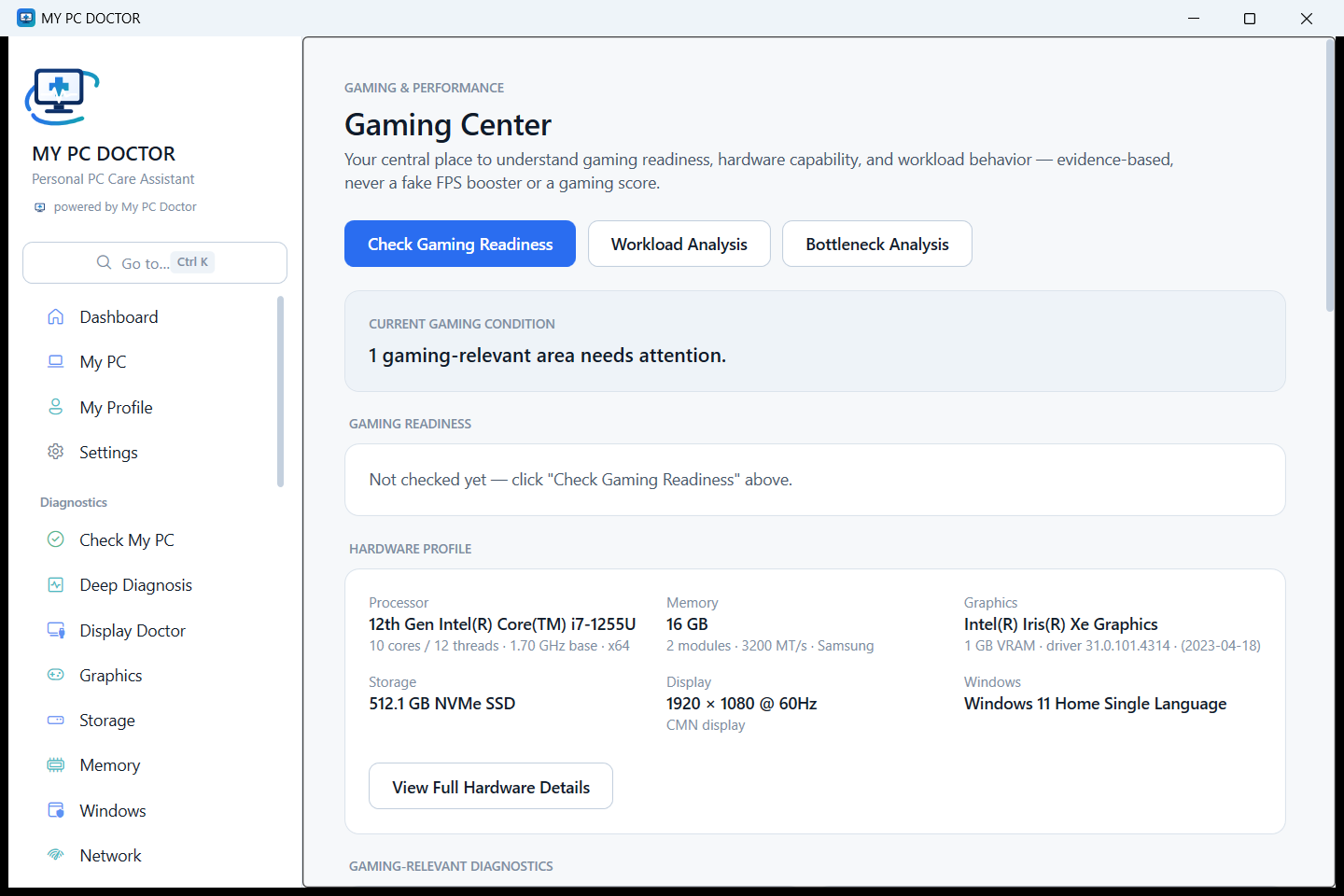
What the PC is built for, part by part, with the measurement behind each verdict.
The graphics card in detail, its driver, its memory, and what the vendor tools report where they are installed.
What the PC is actually doing while you use it, sampled over a short observation rather than guessed from specifications.
A verdict only when the measurements are decisively lopsided — otherwise it says the observation was inconclusive.
Whether the drive a game sits on is the one holding it back, with read and write figures.
Refresh rate and resolution against what the monitor itself reports.
What this PC exposes that could be tuned, and what it does not.
Good to know: My PC Doctor reports tuning capability. It does not overclock, change voltages, set fan curves or enable XMP — by design and by test.
Improve what needs improving, not everything. There is no “Optimize Everything” button, and nothing changes until you press the thing that changes it.
Windows and application temp folders, with the space each would return.
What is in it and how much it is holding, before it is emptied.
Update and delivery caches Windows keeps, and what is safe to clear.
What starts with Windows, switched off and back on individually.
Byte-for-byte identical copies only, one copy always kept, extras to the Recycle Bin.
Windows’ own system file checker and image repair, with a restore point first.
No feature in My PC Doctor permanently deletes one of your files.
This is the part no antivirus has. The shop that sold or services your machine is inside the app by name, and a service request carries the diagnostic evidence with it — so the conversation starts from what the PC actually said.
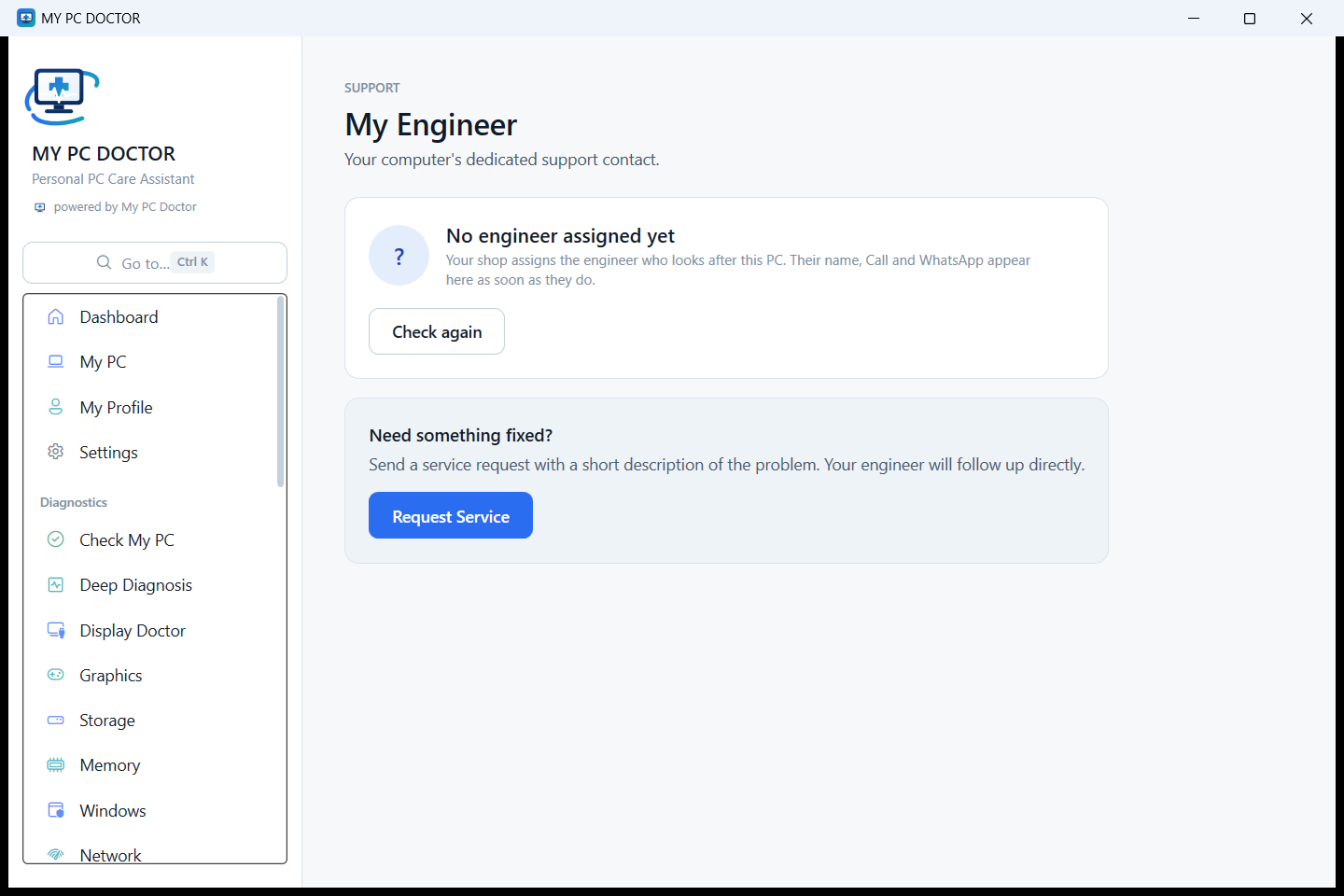
The customer only ever sees their own shop’s contact details — never ours.
For computer dealers, PC builders and service shops. Every PC you sell becomes a machine you can still see, support and be called about — instead of one that disappears out of the door.
Nothing runs by itself: no background scanner, no tray icon, no scheduled task you did not ask for, and no “your PC is at risk” pop-ups.
When a PC is registered to a shop, the diagnostic summary and the PC’s configuration sync to that shop’s console — that is the customer’s own record of their own PC. No file contents, no personal folders, no file paths from your documents.
Security, optimization and the engineer connection, captured from the shipped application on a real Windows 11 PC.
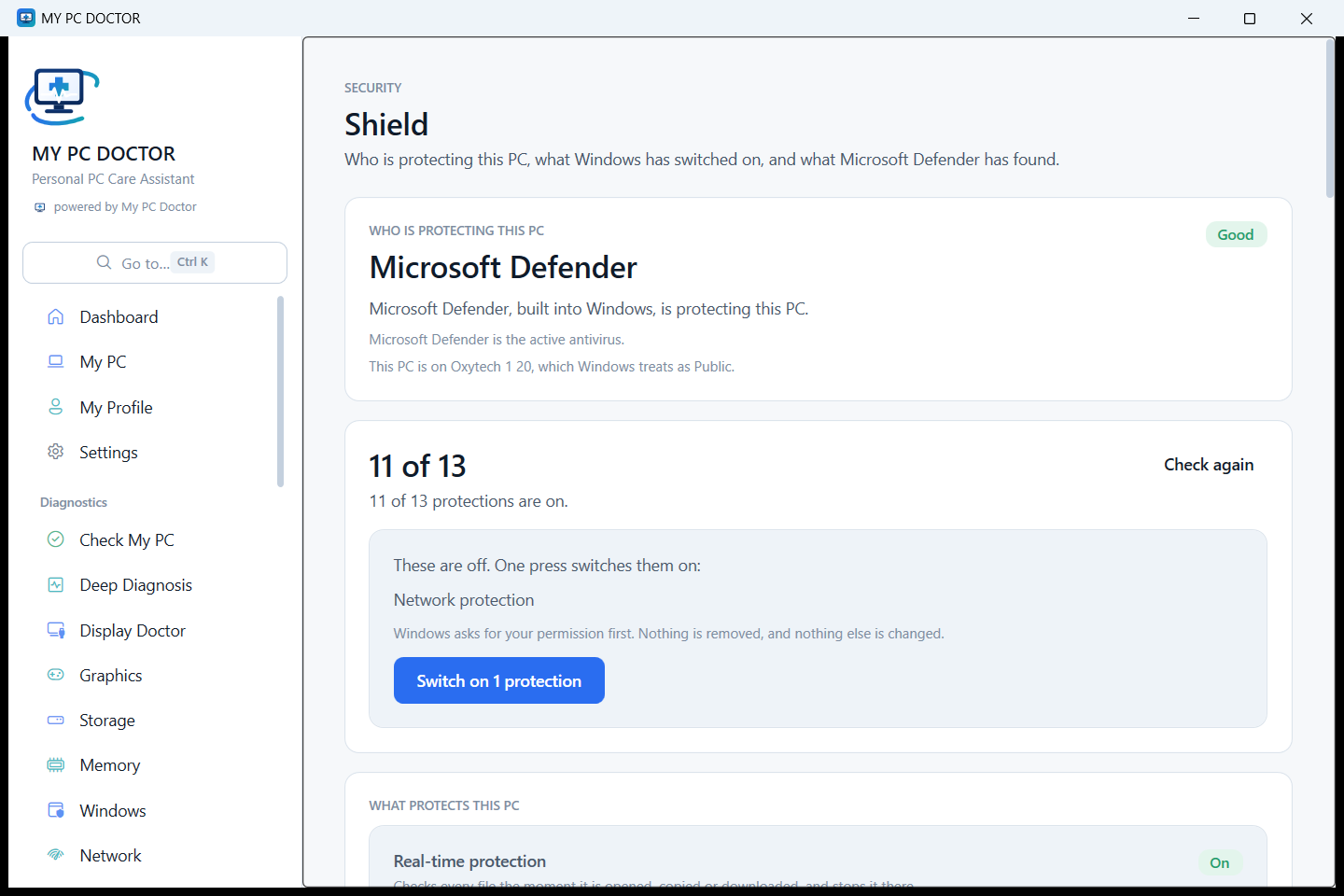
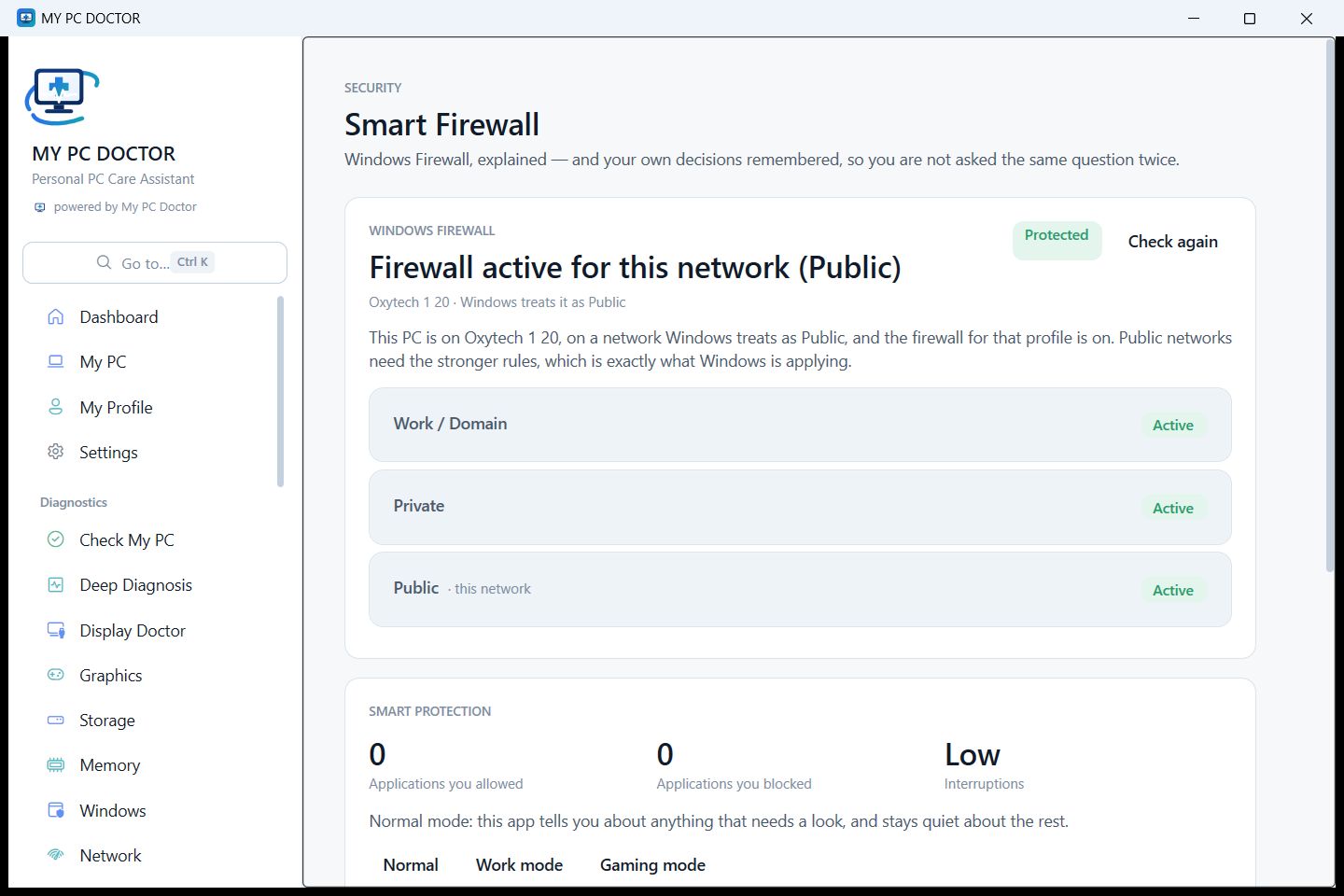
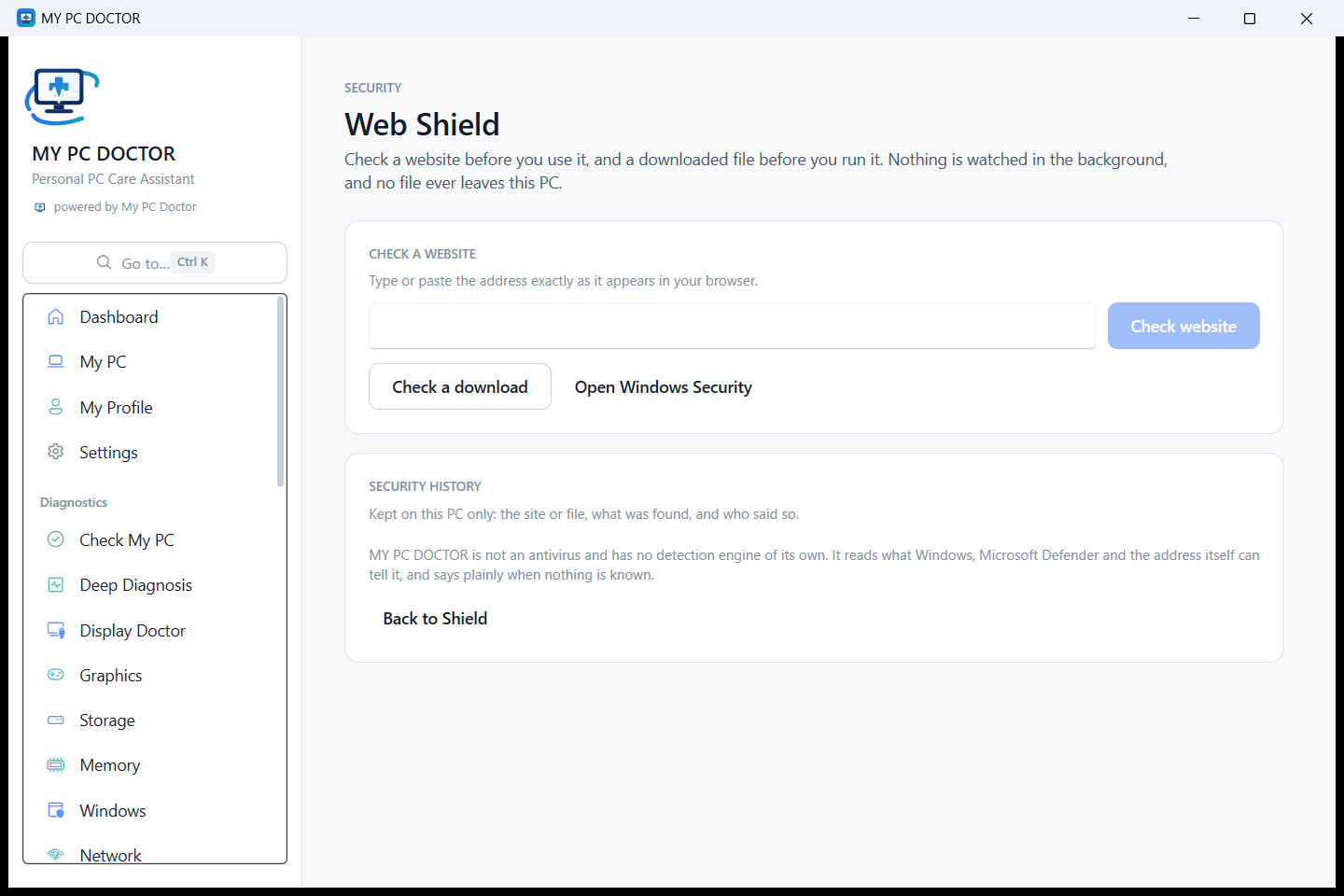
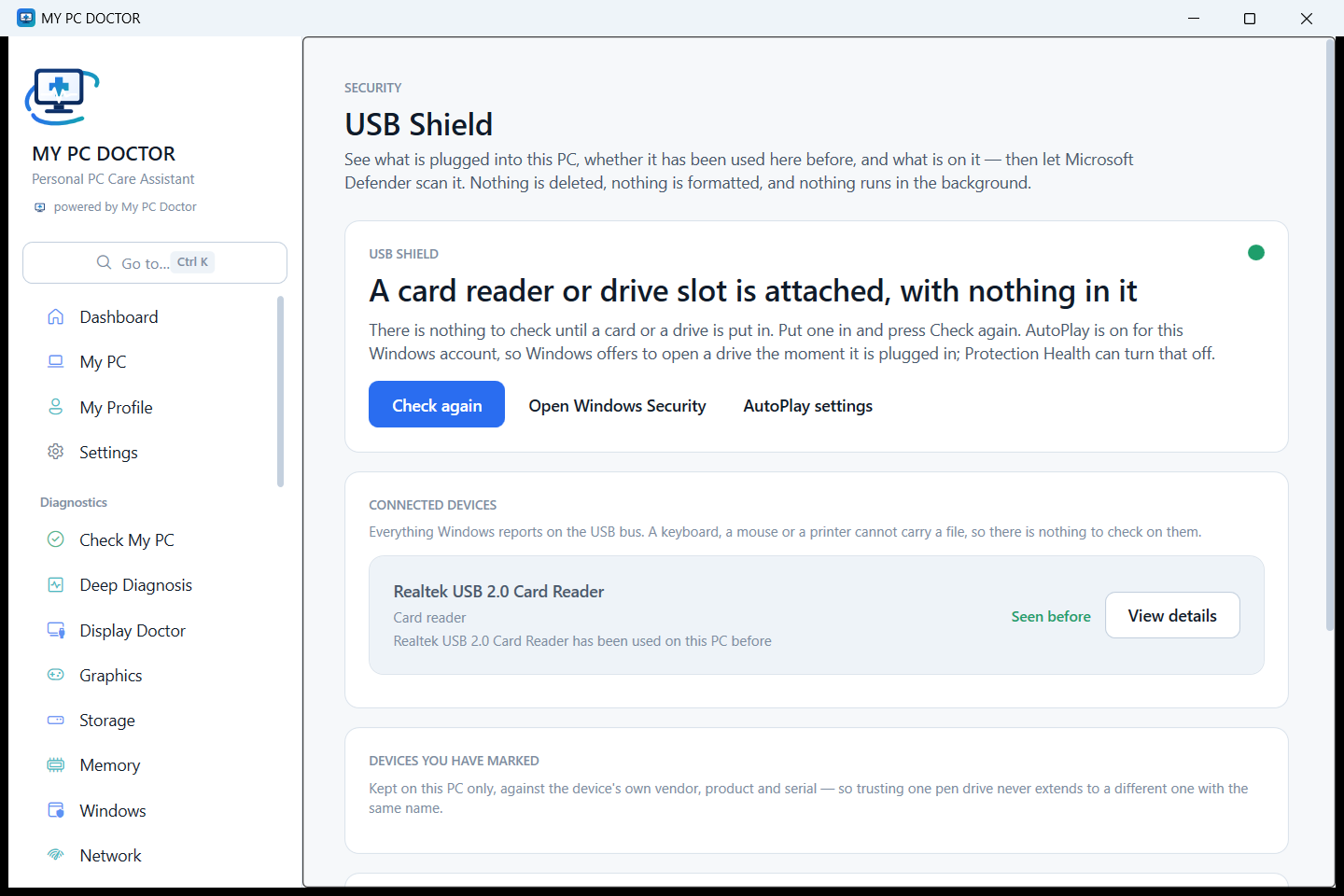
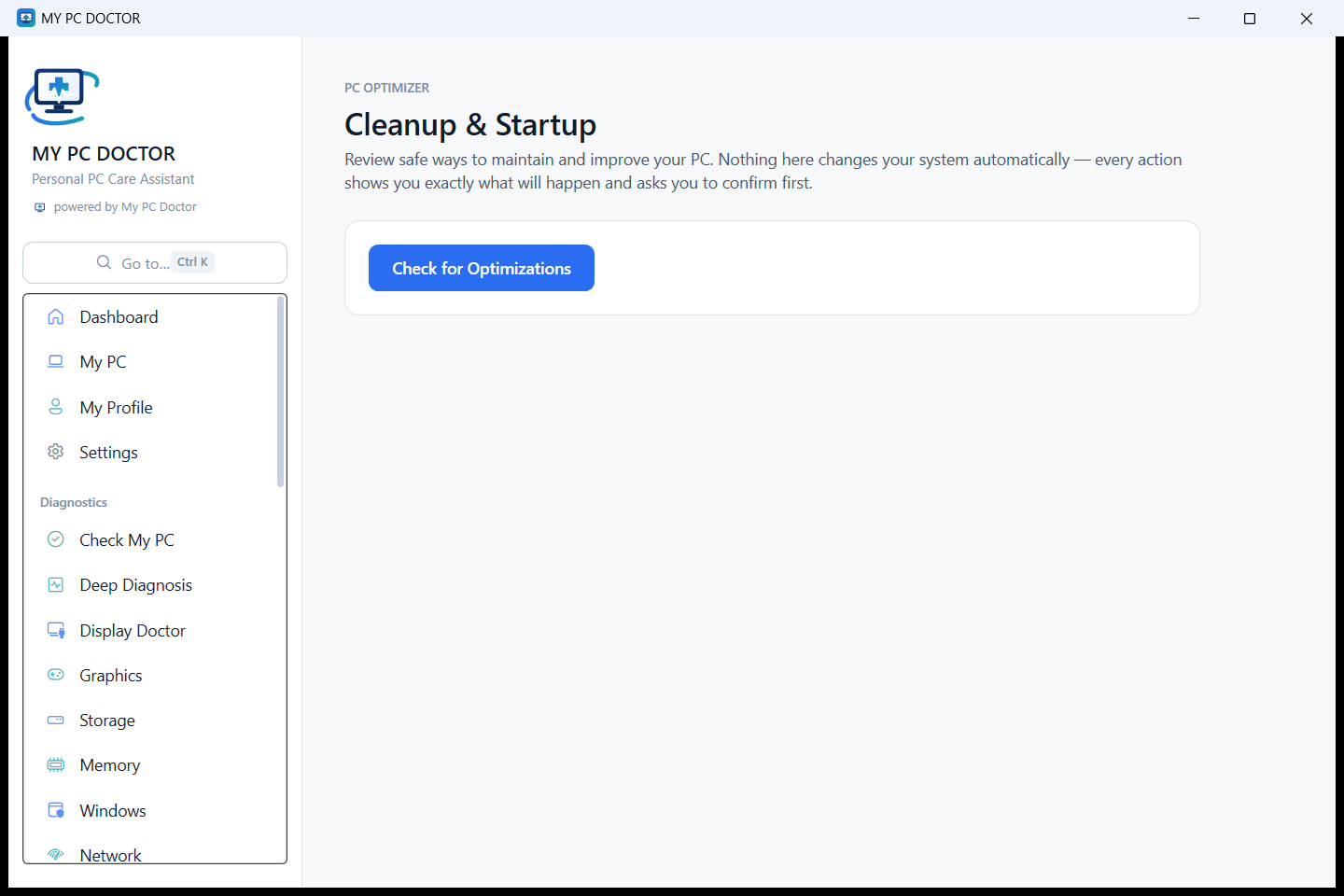
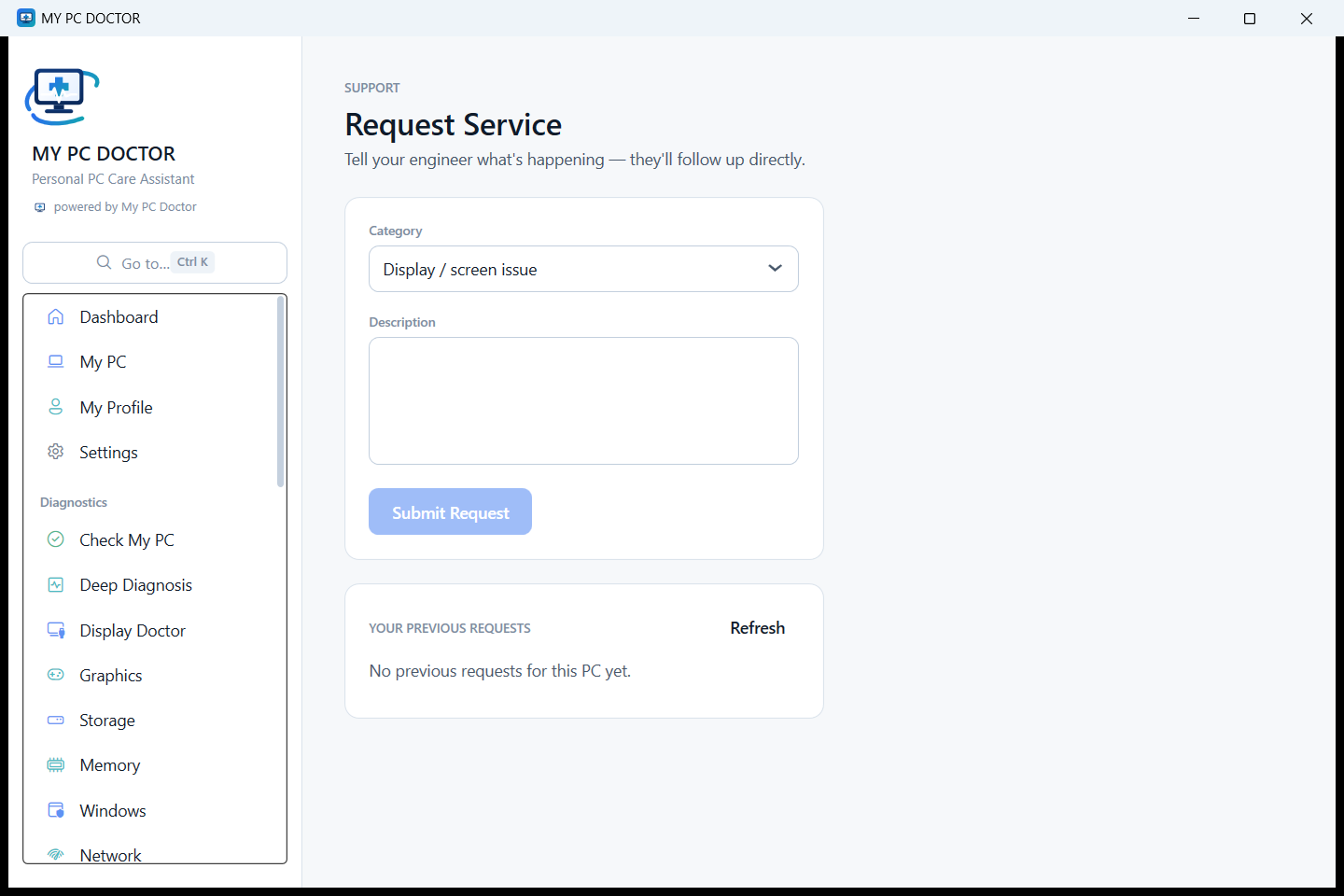
Evidence instead of confusing technical data. Every finding says how it was measured and how certain it is.
Security visibility that works with Windows Security rather than replacing it.
Safe optimization you control, one change at a time, with the result verified afterwards.
Your engineer, by name — not an anonymous support queue.
No awards, no certifications and no user counts on this page — a new product has not earned those, and printing them anyway would be the first dishonest thing on the site. What follows is what can actually be checked.

My PC Doctor is developed by Biz Brain AI and sold through computer shops and dealers in India.
The privacy claims on this site are written against the product’s own data model, and the boundaries are asserted by tests in the codebase.
The security module reads and manages what Windows already has. It adds no engine of its own.
Shops register the PCs they sell and support them through their own branding inside the app.
Verified customer stories will appear here as they come in. Until then this space stays empty rather than being filled with quotes nobody said.
One installer, published with its checksum so you can verify it yourself before running it.
This build is not yet signed with a code-signing certificate, so Windows will show an unrecognised-publisher warning the first time it runs. We are not going to tell you to click past a Windows security warning as a matter of routine: the reliable way to satisfy yourself is to compare the SHA-256 above with the file you downloaded, and the easiest is to let the computer shop that supports your PC install it.
Free for a month: activate with the free key MPCD-FREE-MONTH, then verify your email or your WhatsApp number — either one.
Windows 10 and Windows 11 · 64-bit and 32-bit · No administrator rights are needed to install it.